 Clementine
Video
Compress a video to 8 MB, 25 MB — any size.
Upload limits are the most annoying part of sending video. Tell Clementine the size; it works out the rest and lands just under the limit.
How it works
Drag a video
From Finder, the Desktop, Mail or a browser — anywhere you can drag a file.
Pick the tool
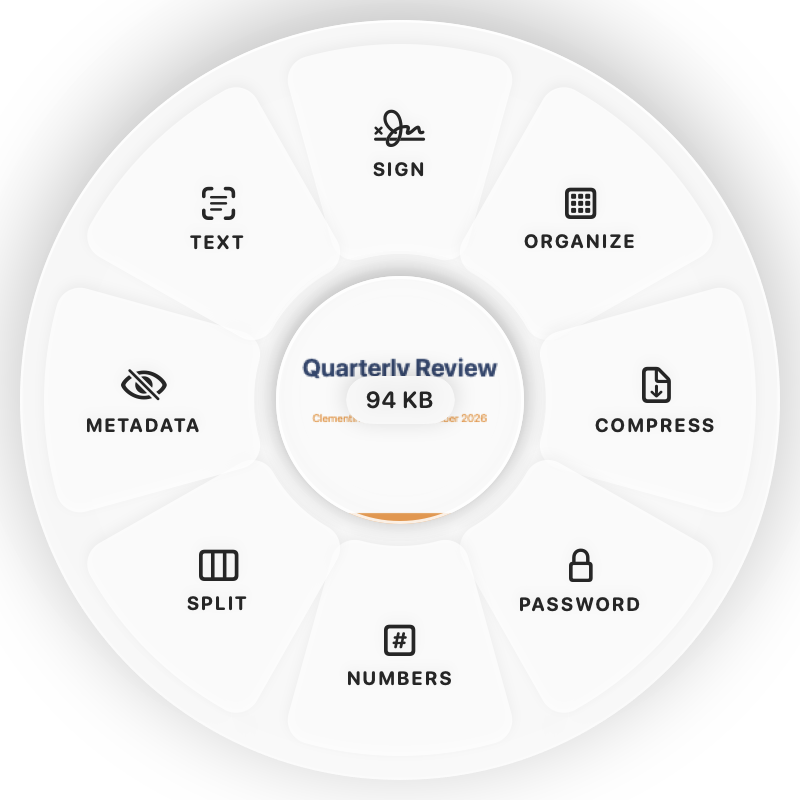
Tap ⌘ and drop on COMPRESS — or choose Compress to 8 / 25 / 50 MB or Compress to Size… from the menu.
Done
You get an MP4 under your size limit. The original is never changed.
Why Clementine
- Compress to 8, 25 or 50 MB — or type any size
- Or pick 1080p, 720p or 480p presets
- Trim first in the video editor to keep more quality
- Runs on your Mac — nothing is uploaded
Questions
How does it hit the exact size?
Clementine calculates the bitrate from the video’s length and your target, lowers the resolution when needed, and checks the result.
What if the size is too small for the video?
You’ll get a clear message suggesting a larger size or trimming the clip first.
Related tools
175 tools. One gesture.
Compress video is one of them. Clementine is coming to the Mac App Store.