 Clementine
Convert PDF tables to Excel.
Invoices, bank statements, price lists — copy-pasting tables from PDFs scrambles the columns. Clementine finds the cells and builds a real spreadsheet.
How it works
Drag a PDF with tables
From Finder, the Desktop, Mail or a browser — anywhere you can drag a file.
Tap ⇧, drop on XLSX
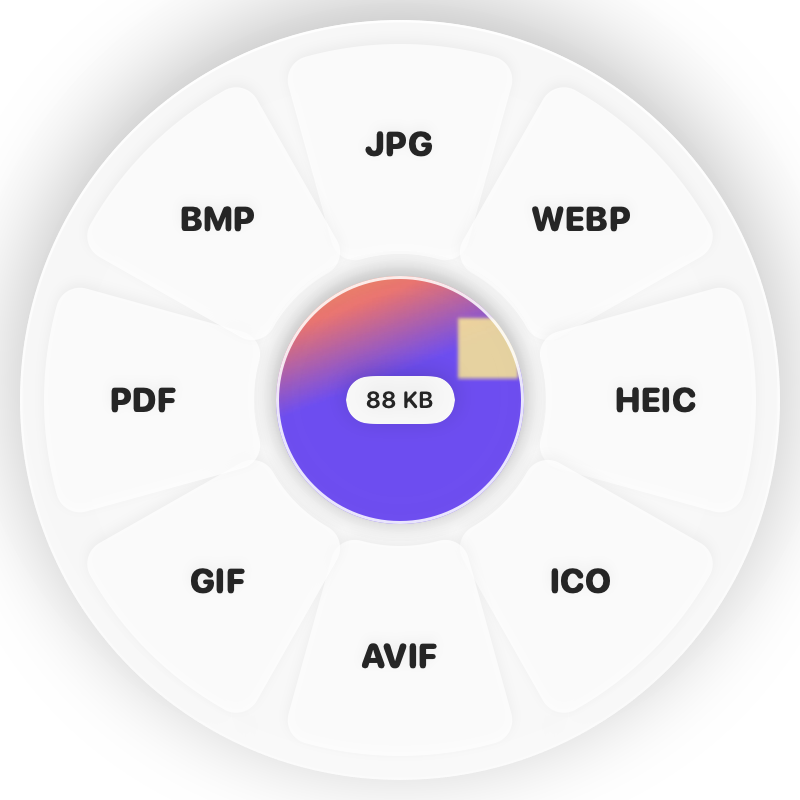
Hold Shift (⇧) while dragging and a wheel appears around your pointer. Drop on XLSX.
Done
You get an Excel workbook. The original is never changed.
Why Clementine
- Detects columns, keeps right-aligned numbers under their header
- Works on scanned PDFs using on-device text recognition
- Also exports CSV, JSON or a PDF table
Questions
Will every table convert perfectly?
Clear tables convert cleanly. Very dense or merged-cell layouts may need a quick fix in Excel or Numbers.
Can I get CSV instead?
Yes — convert the XLSX to CSV or JSON with the Shift wheel.
Related tools
175 tools. One gesture.
PDF to Excel (XLSX) is one of them. Clementine is coming to the Mac App Store.