 Clementine
Documents
Convert Word, Pages and Markdown to PDF.
Send documents that look the same everywhere. Clementine turns Word, Pages, Markdown and more into PDF — dozens at a time.
How it works
Drag Word, Pages, RTF, Markdown or EPUB files
From Finder, the Desktop, Mail or a browser — anywhere you can drag a file.
Tap ⇧, drop on PDF
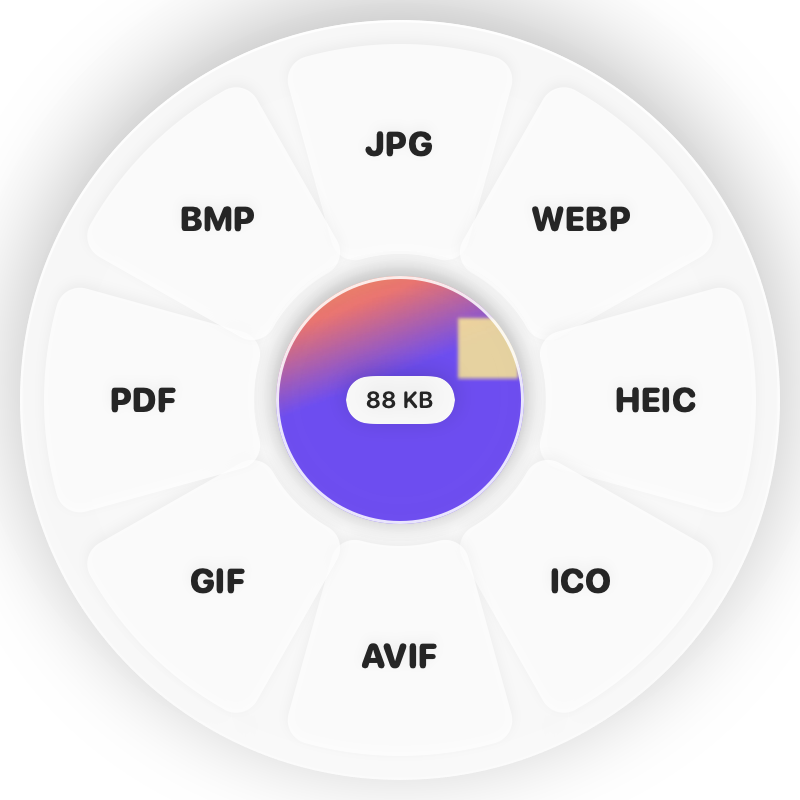
Hold Shift (⇧) while dragging and a wheel appears around your pointer. Drop on PDF.
Done
You get PDFs. The original is never changed.
Why Clementine
- No Microsoft Office needed
- Markdown tables and headings come out properly formatted
- Pages documents convert through Pages on your Mac
Questions
Can it convert PDF back to Word?
Yes — drag a PDF and choose DOCX.
Does it handle PowerPoint?
Yes. PowerPoint and Keynote presentations convert to PDF or one image per slide.
Related tools
175 tools. One gesture.
Word, Pages & Markdown to PDF is one of them. Clementine is coming to the Mac App Store.