 Clementine
Audio
Extract the audio from a video.
Keep the talk, drop the picture. Clementine pulls the audio out of any video and saves it in the format you choose.
How it works
Drag a video
From Finder, the Desktop, Mail or a browser — anywhere you can drag a file.
Tap ⇧, drop on MP3
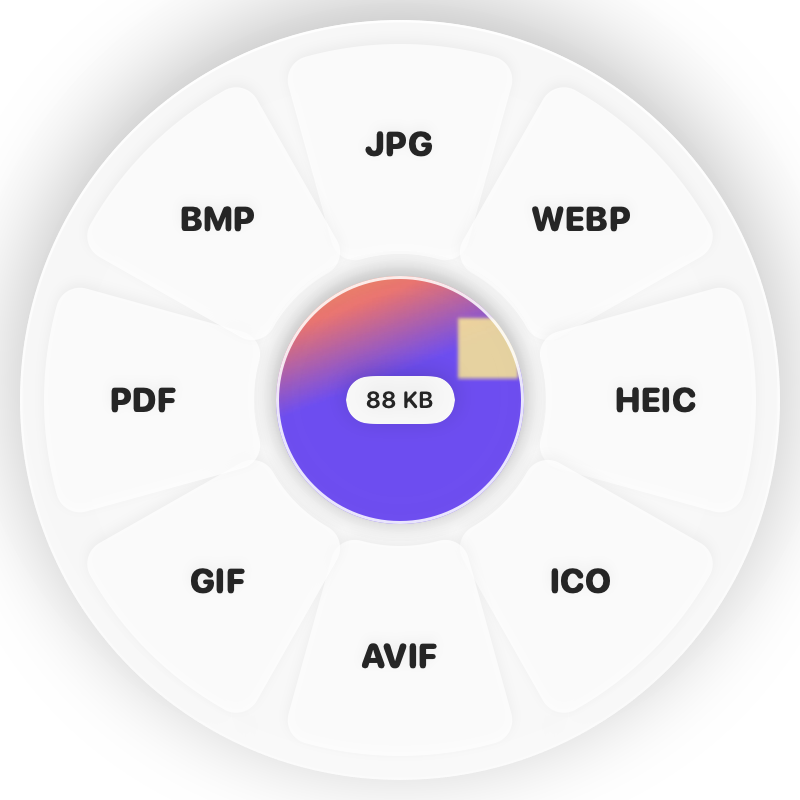
Hold Shift (⇧) while dragging and a wheel appears around your pointer. Drop on MP3.
Done
You get an MP3 (or M4A, WAV, FLAC). The original is never changed.
Why Clementine
- MP3, M4A, WAV, FLAC, OGG and more
- Reduce background noise or normalize volume afterwards
- Transcribe the audio to text on-device
Questions
Which format should I choose?
MP3 plays everywhere; M4A is smaller at the same quality; WAV or FLAC keep every detail for editing.
Can I cut the audio afterwards?
Yes — open Trim… on the ⌘ wheel to cut it on a waveform.
Related tools
175 tools. One gesture.
MP4 to MP3 is one of them. Clementine is coming to the Mac App Store.