 Clementine
Images
Convert HEIC to JPG on your Mac.
iPhone photos arrive as HEIC, and plenty of websites, forms and Windows PCs still want JPG. Clementine converts them where you drag them — one photo or three hundred.
How it works
Drag your HEIC photos
From Finder, the Desktop, Mail or a browser — anywhere you can drag a file.
Tap ⇧, drop on JPG
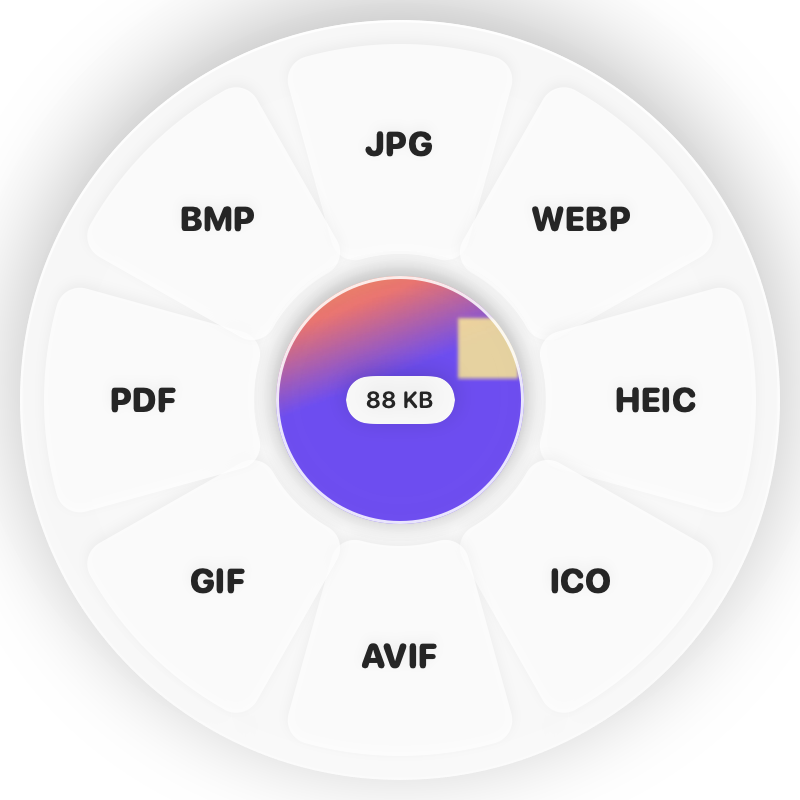
Hold Shift (⇧) while dragging and a wheel appears around your pointer. Drop on JPG.
Done
You get JPGs next to the originals. The original is never changed.
Why Clementine
- Converts whole selections at once, keeping each file’s name
- Keeps date and camera details — or strips location for privacy
- Originals stay untouched; nothing is uploaded
Questions
Will the JPG look worse than the HEIC?
Clementine saves at high quality (around 90%), so photos look the same while staying a reasonable size. Live Photos become a still JPG.
Can I remove the location from the photos?
Yes. Turn off “Keep camera, date and location info” in Settings › Output, or use Remove All Metadata from the ⌘ wheel afterwards.
Related tools
175 tools. One gesture.
HEIC to JPG is one of them. Clementine is coming to the Mac App Store.