 Clementine
Video
Convert MOV to MP4 on your Mac.
Screen recordings and iPhone clips are MOV files that don’t always play on Windows, Android or websites. MP4 plays everywhere.
How it works
Drag MOV, MKV, AVI or WebM videos
From Finder, the Desktop, Mail or a browser — anywhere you can drag a file.
Tap ⇧, drop on MP4
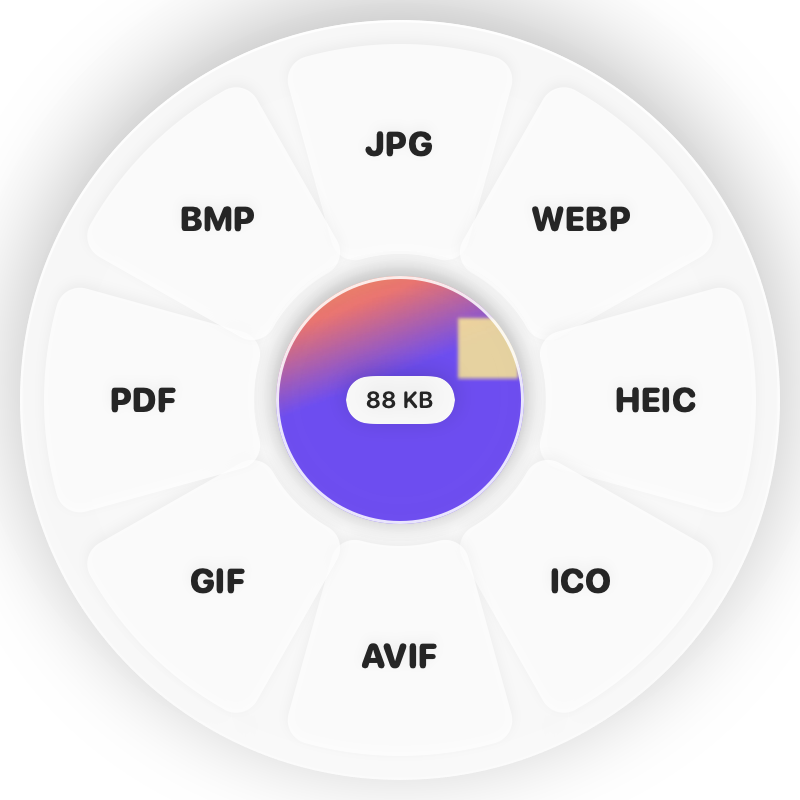
Hold Shift (⇧) while dragging and a wheel appears around your pointer. Drop on MP4.
Done
You get MP4 (H.264) files. The original is never changed.
Why Clementine
- Converts whole batches with progress for every file
- Keeps audio and orientation; odd sizes are fixed for you
- Cancel any time — partial files are cleaned up
- Runs on your Mac — nothing is uploaded
Questions
Will the video lose quality?
Clementine encodes at high quality. If you only need a smaller file, use Compress Video instead.
What about MKV files with subtitles?
Text subtitles can be extracted as an SRT file, and converting to MKV keeps them inside the video.
Related tools
175 tools. One gesture.
MOV to MP4 is one of them. Clementine is coming to the Mac App Store.