 Clementine
Merge, split and reorder PDF pages.
Put a scanned contract, two invoices and a photo of a receipt into one tidy PDF — in the order you want.
How it works
Drag several PDFs or images
From Finder, the Desktop, Mail or a browser — anywhere you can drag a file.
Tap ⌘, drop on MERGE
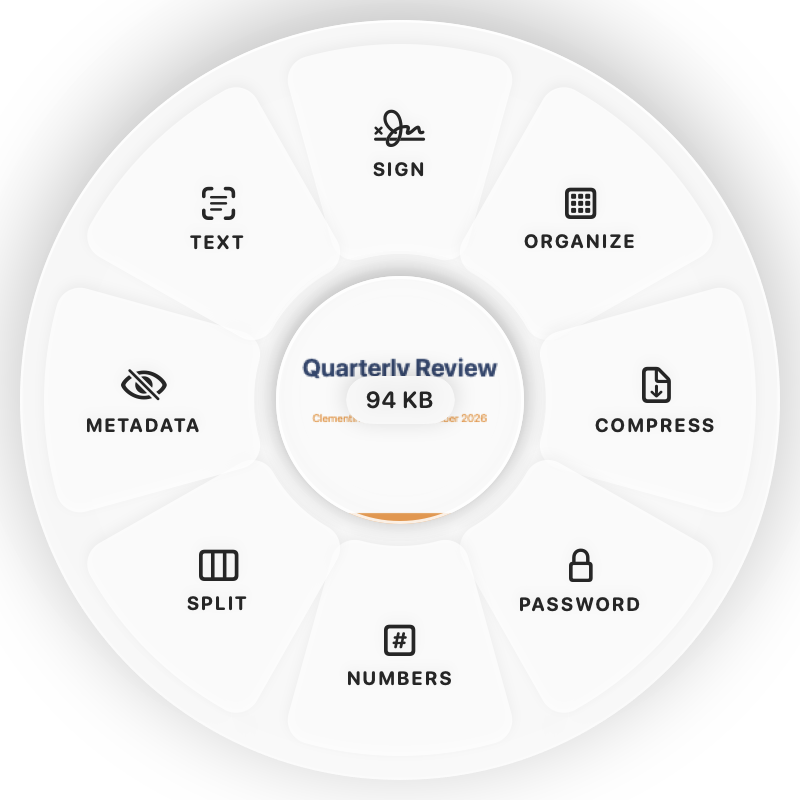
Hold Command (⌘) while dragging and a wheel appears around your pointer. Drop on MERGE.
Done
You get one combined PDF. The original is never changed.
Why Clementine
- Mix PDFs and images in one document
- Organize Pages: drag to reorder, rotate, duplicate, delete
- Split into single pages or ranges
- Runs on your Mac — nothing is uploaded
Questions
Can I choose the page order?
Yes — open Organize Pages… to drag pages into place before saving.
Can I add page numbers?
Yes. Add Page Numbers is on the ⌘ wheel for PDFs.
Related tools
175 tools. One gesture.
Merge PDF is one of them. Clementine is coming to the Mac App Store.