 Clementine
Documents
Convert PowerPoint and Keynote to PDF.
Share a deck anyone can open, or grab slides as images for a post. Clementine converts presentations without opening PowerPoint.
How it works
Drag a PowerPoint or Keynote file
From Finder, the Desktop, Mail or a browser — anywhere you can drag a file.
Tap ⇧, drop on PDF
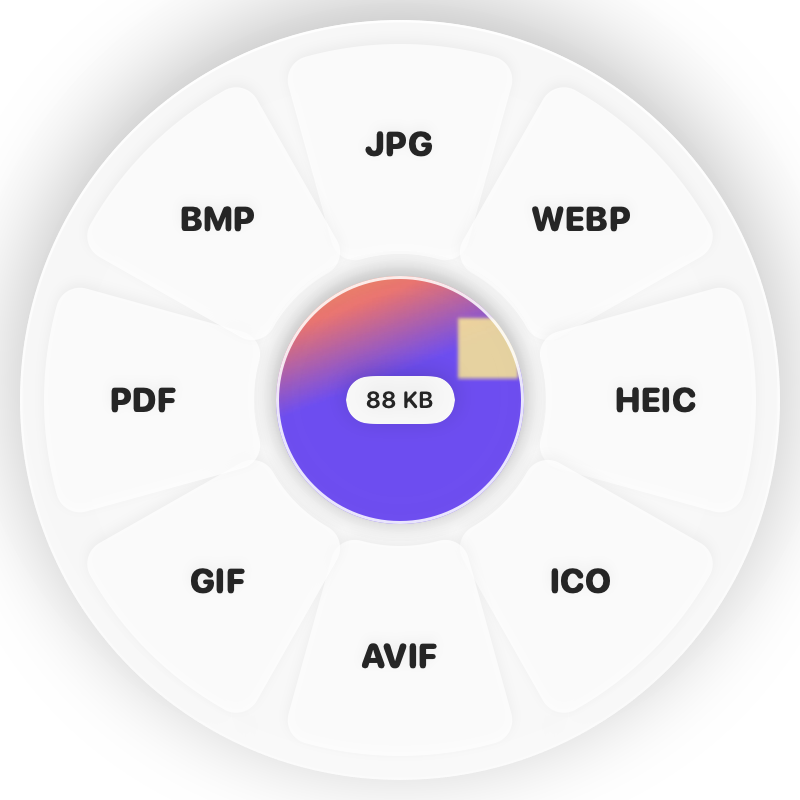
Hold Shift (⇧) while dragging and a wheel appears around your pointer. Drop on PDF.
Done
You get a PDF or one PNG per slide. The original is never changed.
Why Clementine
- Uses Keynote for best fidelity when it’s installed
- Built-in renderer handles PPTX even without Keynote
- Reverse it: PDF to PowerPoint, one slide per page
- Runs on your Mac — nothing is uploaded
Questions
Do I need PowerPoint or Keynote?
No. Keynote is used when present for the most faithful result; otherwise Clementine renders PPTX itself.
Can I get each slide as an image?
Yes — choose PNG on the Shift wheel to get a folder with one image per slide.
Related tools
175 tools. One gesture.
PowerPoint & Keynote to PDF is one of them. Clementine is coming to the Mac App Store.