 Clementine
Files Coming soon
Share a file with a link — and know when it’s opened.
Instead of attaching a 40 MB file, send a link. Then see when it’s opened — and by whom, if you ask for an email.
How it will work
Drag any file or folder
From Finder, the Desktop, Mail or a browser — anywhere you can drag a file.
Tap ⌃, drop on SHARE LINK
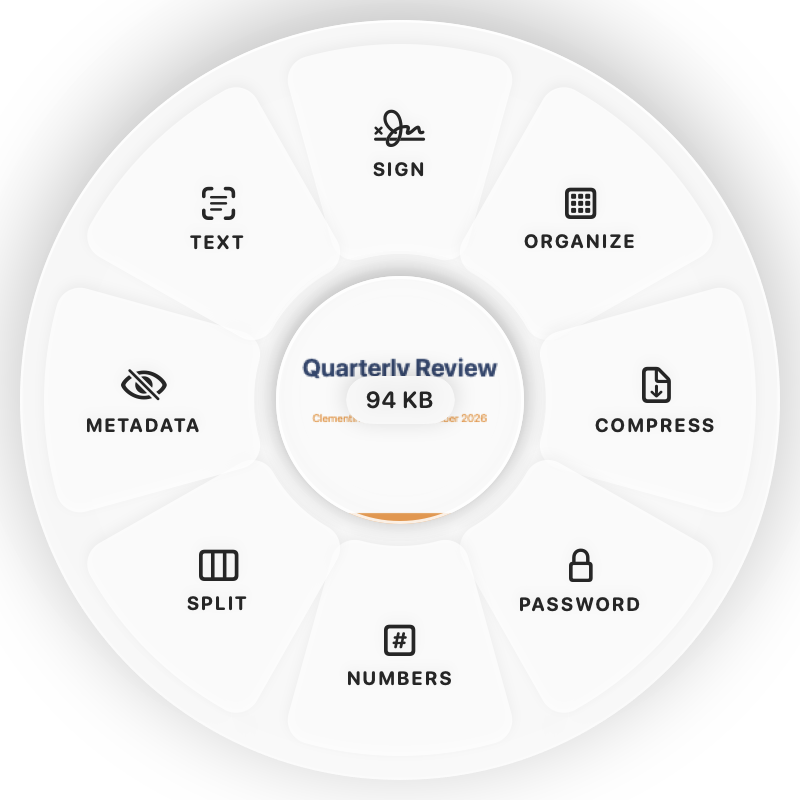
Hold Control (⌃) while dragging and a wheel appears around your pointer. Drop on SHARE LINK.
Done
You get a link on your clipboard. The original is never changed.
Why Clementine
- Views, downloads, country, device and link previews — never IP addresses
- Password, expiry, download limit, ask for email, view-only
- Replace the file later; the link and its stats stay the same
Questions
Is this in Clementine today?
Not yet. Share links are coming in a future update and aren’t part of the first App Store release. Everything else on this site works on your Mac today.
Do recipients need an account or an app?
No. They open the link in any browser and see a preview with a download button.
How do I see who opened it?
In Clementine’s Shared Links window, as a notification when it happens, or in the dashboard in your browser.
Related tools
175 tools. One gesture.
Share files with a link is coming in a future update. The rest is Clementine is coming to the Mac App Store.