 Clementine
Video
Turn a video into a GIF on your Mac.
Show a bug, a feature or a reaction in a format every chat app plays inline. Trim the part you need, then drop it on GIF.
How it works
Drag an MP4 or MOV clip
From Finder, the Desktop, Mail or a browser — anywhere you can drag a file.
Tap ⇧, drop on GIF
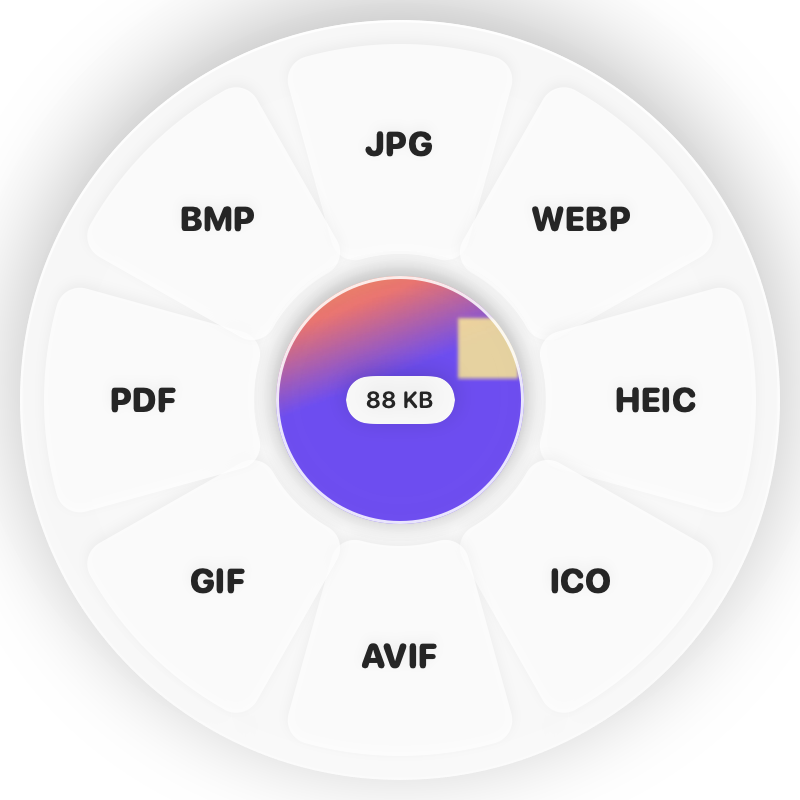
Hold Shift (⇧) while dragging and a wheel appears around your pointer. Drop on GIF.
Done
You get a looping GIF. The original is never changed.
Why Clementine
- Optimised palette for clean colours
- Scaled to a chat-friendly width
- Trim and crop first with the video editor
- Runs on your Mac — nothing is uploaded
Questions
Why is my GIF large?
GIFs grow quickly with length. Trim the clip to a few seconds, or share it as MP4 instead.
Can I make a GIF from photos?
Yes — select several images and use Make Animated GIF on the ⌘ wheel.
Related tools
175 tools. One gesture.
Video to GIF is one of them. Clementine is coming to the Mac App Store.