 Clementine
Images
Convert PNG to JPG on your Mac.
Screenshots and exports are often PNGs that weigh several megabytes. As JPGs they’re a fraction of the size — ideal for email, chat and uploads.
How it works
Drag PNG files
From Finder, the Desktop, Mail or a browser — anywhere you can drag a file.
Tap ⇧, drop on JPG
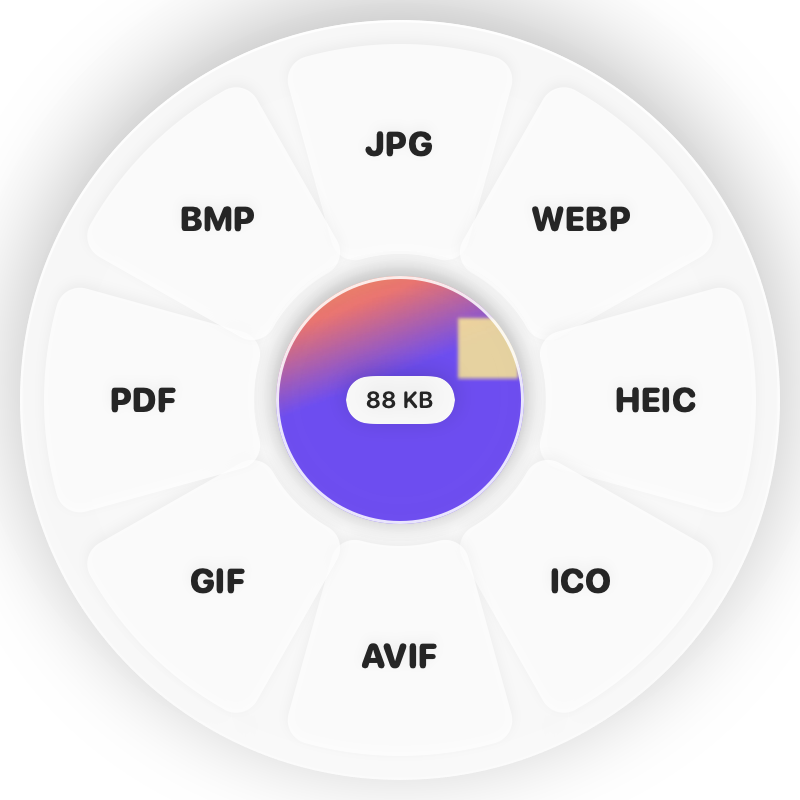
Hold Shift (⇧) while dragging and a wheel appears around your pointer. Drop on JPG.
Done
You get lighter JPGs. The original is never changed.
Why Clementine
- Transparent backgrounds are filled with white automatically
- Colour profiles such as Display P3 are kept
- Batch-convert a whole folder of screenshots
- Runs on your Mac — nothing is uploaded
Questions
What happens to transparency?
JPG can’t store transparency, so transparent areas become white. Keep PNG or choose WebP if you need transparency.
How much smaller will the files be?
Usually 5–10× smaller for photos and screenshots with gradients. Flat graphics may compress better as WebP.
Related tools
175 tools. One gesture.
PNG to JPG is one of them. Clementine is coming to the Mac App Store.