 Clementine
Images
Convert WebP to PNG or JPG on your Mac.
Images saved from websites are often WebP, which some apps and printers still refuse. Turn them into PNG or JPG without opening an editor.
How it works
Drag WebP images
From Finder, the Desktop, Mail or a browser — anywhere you can drag a file.
Tap ⇧, drop on PNG
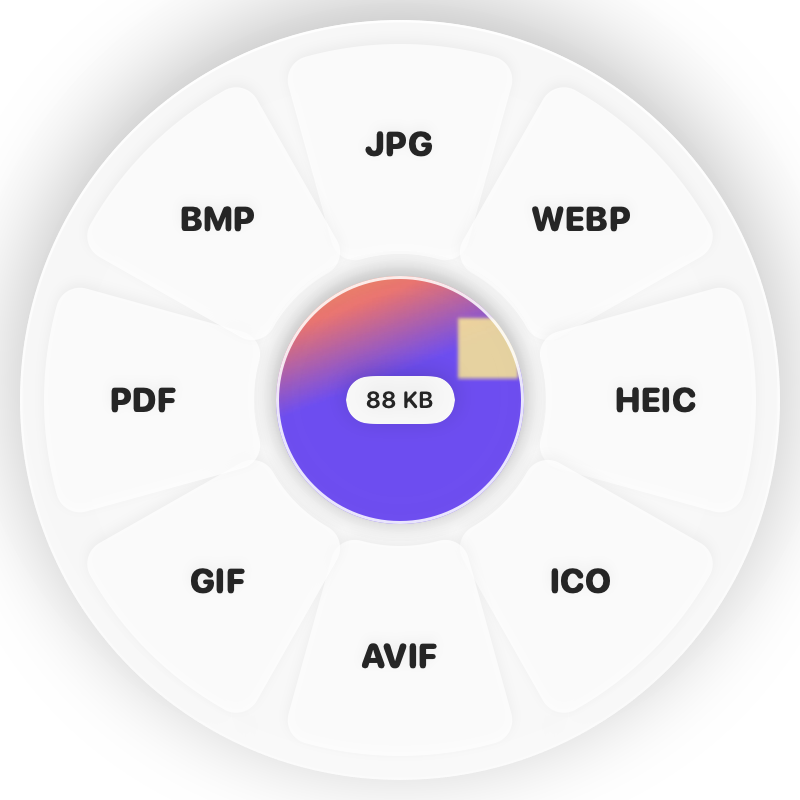
Hold Shift (⇧) while dragging and a wheel appears around your pointer. Drop on PNG.
Done
You get PNG (or JPG) files. The original is never changed.
Why Clementine
- PNG keeps transparency; JPG gives the smallest files
- Animated WebP becomes an animated GIF if you choose GIF
- Works on many files at once
- Runs on your Mac — nothing is uploaded
Questions
Should I pick PNG or JPG?
PNG for logos, screenshots and anything transparent; JPG for photos where small size matters.
Is any quality lost?
Converting to PNG is lossless. JPG is saved at high quality.
Related tools
175 tools. One gesture.
WebP to PNG or JPG is one of them. Clementine is coming to the Mac App Store.