 Clementine
Convert PDF to Word on your Mac.
Need to edit a contract, a CV or a report that only exists as PDF? Get a Word document you can change — without an online converter.
How it works
Drag a PDF
From Finder, the Desktop, Mail or a browser — anywhere you can drag a file.
Tap ⇧, drop on DOCX
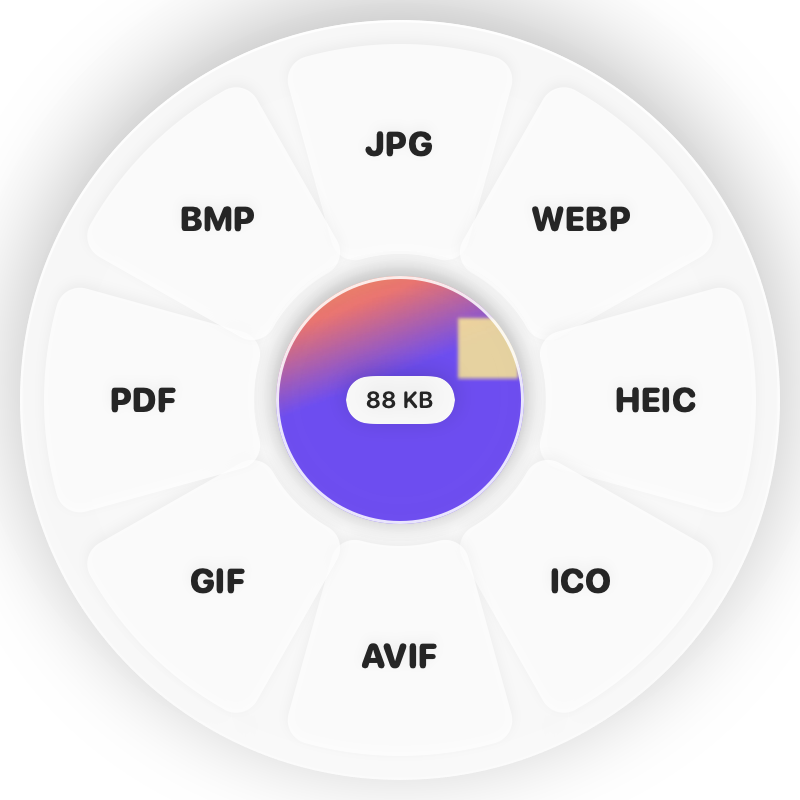
Hold Shift (⇧) while dragging and a wheel appears around your pointer. Drop on DOCX.
Done
You get an editable .docx. The original is never changed.
Why Clementine
- Text and paragraphs come out editable
- Scanned PDF? Make it searchable with OCR first
- Nothing is uploaded — safe for confidential documents
Questions
Does it work on scanned PDFs?
Run Make Searchable (OCR) on the ⌘ wheel first, then convert — the recognised text becomes editable.
Will the layout be identical?
Text and structure carry over; complex magazine-style layouts may need touch-ups.
Related tools
175 tools. One gesture.
PDF to Word (DOCX) is one of them. Clementine is coming to the Mac App Store.